DEFT has stopped taking cards. Here’s how to keep paying rent and strata on yours
By RewardPay
3 min read
DEFT has stopped taking cards. Here’s how to keep paying rent and strata on yours
Since 1 October 2026, you can no longer pay a DEFT rent or strata notice with a credit or debit card on deft.com.au. For many businesses, that was the easiest way to put commercial rent and strata levies on a card and earn points.
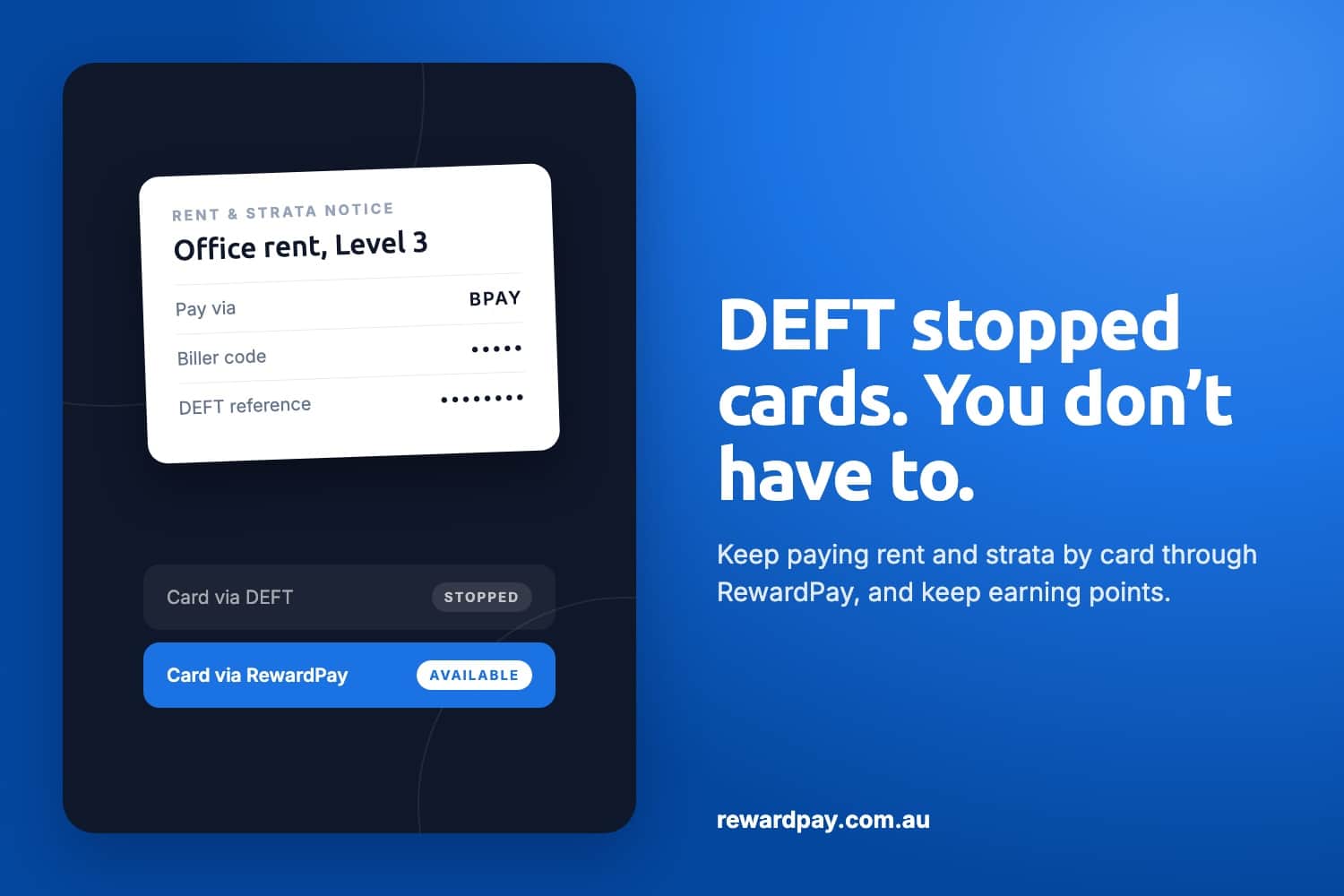
The good news: your DEFT notice still carries a BPAY Biller Code and reference number. That means you can keep paying it with your card through RewardPay, and keep earning points while you do. Your property manager or strata manager receives the same DEFT payment they always have.
Why DEFT stopped taking credit cards
DEFT is Macquarie Bank’s payment system, used by many real estate agents and strata managers to collect rent and levies. From 1 October 2026, DEFT stopped accepting credit and debit cards. The change came after the Reserve Bank’s reforms to card surcharging. Any card payments scheduled from that date, including recurring ones, were cancelled.
You can still pay DEFT in these ways, but none of them earn card points:
Method
How it works
BPAY
DEFT Biller Code plus your DEFT reference number, from your bank
PayID
Your DEFT reference number followed by @deft.com.au
Direct debit
From a bank account, set up on deft.com.au
Australia Post
In store by eftpos or cheque, using the barcode on your notice
Source: DEFT, Changes to payments via DEFT
How RewardPay keeps your card in play
RewardPay lets businesses pay bills by card, even when the biller only accepts BPAY or bank transfer. You pay RewardPay with your card, and we pay DEFT by BPAY on your behalf, using the Biller Code and reference number from your notice.
DEFT matches the payment to your reference number and passes it to your agent or strata manager, just like any other BPAY payment. Nobody on the other side needs to sign up to anything or change their process.
How a DEFT payment flows through RewardPay
What you get:
Credit card points on your rent and strata, from your card’s own rewards program
Choose to earn loyalty partner points on top of credit card points with each payment. For example, Qantas Points when you link your RewardPay and Qantas Business Rewards accounts, Velocity Points when you link your Virgin Australia Business Flyer account, or ALL Accor points. You can choose one loyalty partner or all of them with every business payment.
Extra days to pay, because the bill goes on your card’s statement cycle
How to pay your DEFT notice with RewardPay
It takes a few minutes to set up the first time. After that, each payment takes seconds.
Find your DEFT details. On your rent invoice or strata levy notice, find the BPAY section. Note the Biller Code and your DEFT reference number, which is used as the Customer Reference Number (CRN).
Log in to RewardPay. You’ll need your business’s ABN to sign up.
Add a new BPAY payee. Enter the DEFT Biller Code and your DEFT reference number exactly as they appear on your notice. Give the payee a name you’ll recognise, such as “Office rent, Level 3”.
Enter the amount and choose your card. Pay with your Visa, Mastercard or American Express. RewardPay shows the fee before you confirm.
Pick a payment date. Pay now, or schedule it for later. Allow at least 2 business days before the due date for the money to reach DEFT.
Confirm and keep the receipt. RewardPay pays DEFT by BPAY, and you get a receipt for your records and your accountant.
Tips for getting it right
Check the reference number twice. DEFT matches payments by reference number. A wrong digit can delay your payment or send it to the wrong account.
Use the reference for that property. Each property or lot usually has its own DEFT reference. Rent and strata for the same building may have different ones.
Re-create any cancelled card schedules. If you had a recurring card payment on deft.com.au, it was cancelled on 1 October 2026. Set up a recurring payment in RewardPay to replace it.
Pay early. BPAY isn’t instant. Schedule payments a few business days before rent or levies are due.
Business payments only. RewardPay is for businesses with an ABN, such as commercial rent or strata on business premises. Rent on your own home isn’t eligible.
Frequently asked questions
Can I still pay DEFT with a credit card?
Not on deft.com.au. Since 1 October 2026, DEFT only takes BPAY, PayID, direct debit and Australia Post payments. You can still use your card through RewardPay, which pays your DEFT notice by BPAY for you.
Does my property manager or strata manager need to do anything?
No. They receive a normal DEFT payment by BPAY, matched to your reference number.
Will my payment still show against my account on DEFT?
Yes. As long as the reference number is correct, DEFT allocates it to your account like any other BPAY payment.
Can I still earn points on rent and strata?
Yes. You earn points from your credit card’s rewards program, and you can choose to earn loyalty partner points on top, like Qantas Points or Velocity Points.
How long does a payment take?
Allow up to 2 business days for the payment to reach DEFT, so schedule it before the due date.
Can I pay rent or strata with American Express?
Yes. RewardPay accepts Visa, Mastercard and American Express.
Can I pay rent on my home through RewardPay?
No. RewardPay is for businesses with an ABN, such as commercial rent or strata on business premises. Rent on your own home isn’t eligible.
Is the fee tax deductible?
RewardPay fees may be tax deductible. Please check with your accountant for specific tax or accounting advice.
Keep earning on rent and strata
DEFT no longer takes cards, but your next rent or strata notice can still earn you points. Grab the BPAY details from it, log in to RewardPay, and schedule your first payment today.
DEFT is a Macquarie Bank service. RewardPay is not affiliated with DEFT or Macquarie. DEFT details are current as at 30 October 2026; check deft.com.au for the latest.
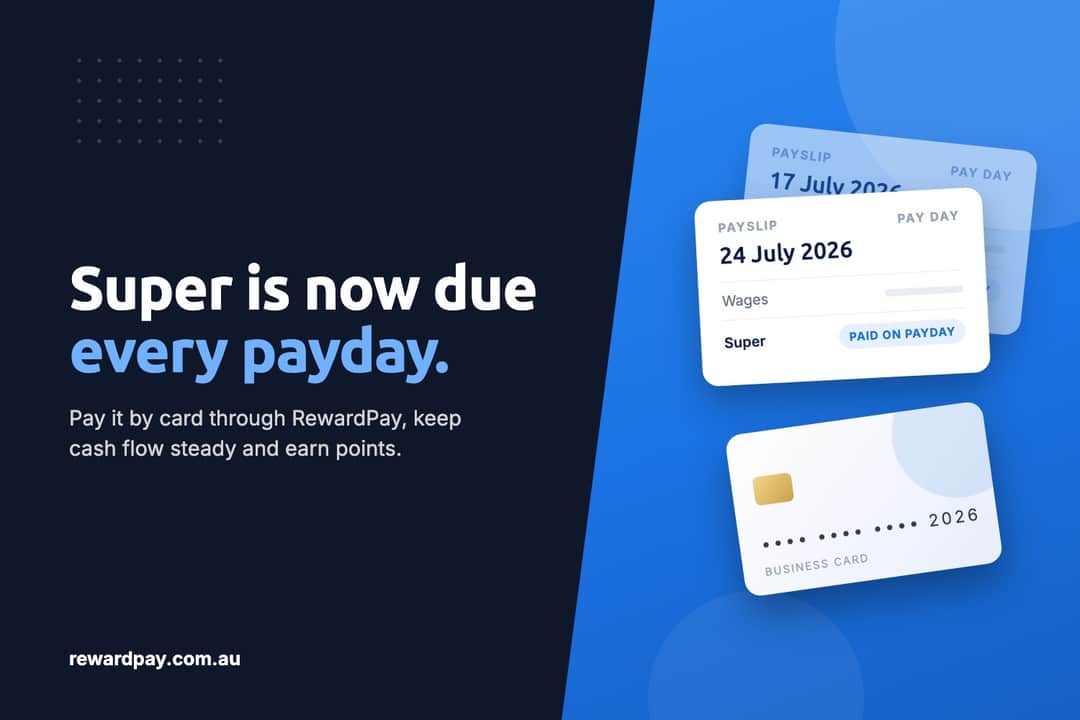
Since 1 July 2026, employers have had to pay super every payday instead of every quarter. For a business that pays staff weekly, that's 52 super payments a year instead of 4.
Card surcharges end on 1 October 2026 for Visa, Mastercard and eftpos. See what changes, and what stays the same, if you pay business bills by card with RewardPay.
Signing up is free, takes around 5 minutes, and there are no setup fees or ongoing obligations. Click here to register. You will need your ABN, email address, and mobile number. When creating your password, make sure it is unique to RewardPay and stored somewhere safe. Once registered, check your email to verify your email address, then log in and complete a one-time identity verification. Once verified, your account is ready to start making payments and earning rewards.
RewardPay offers three subscription tiers. The Free tier has no platform fee and you only pay a processing fee per transaction. The Silver tier ($79/month) and Gold tier ($159/month) offer progressively lower Amex transaction rates, making them well suited to higher volume businesses. Visa, Mastercard and Bank payment fees are the same across all tiers. All platform fees are billed 3 months in advance and processing fees are a deductible business expense. See our full pricing breakdown here.
RewardPay supports payments to any Australian business with an active ABN – including suppliers, the ATO, superannuation clearing houses, rent, contractors, marketing, utilities, equipment and accounting. Payroll payments are also supported via Visa, Mastercard or Pay-by-Bank. Some restrictions apply – see the RewardPay Terms & Conditions for details.



 Still have questions? Chat with us.